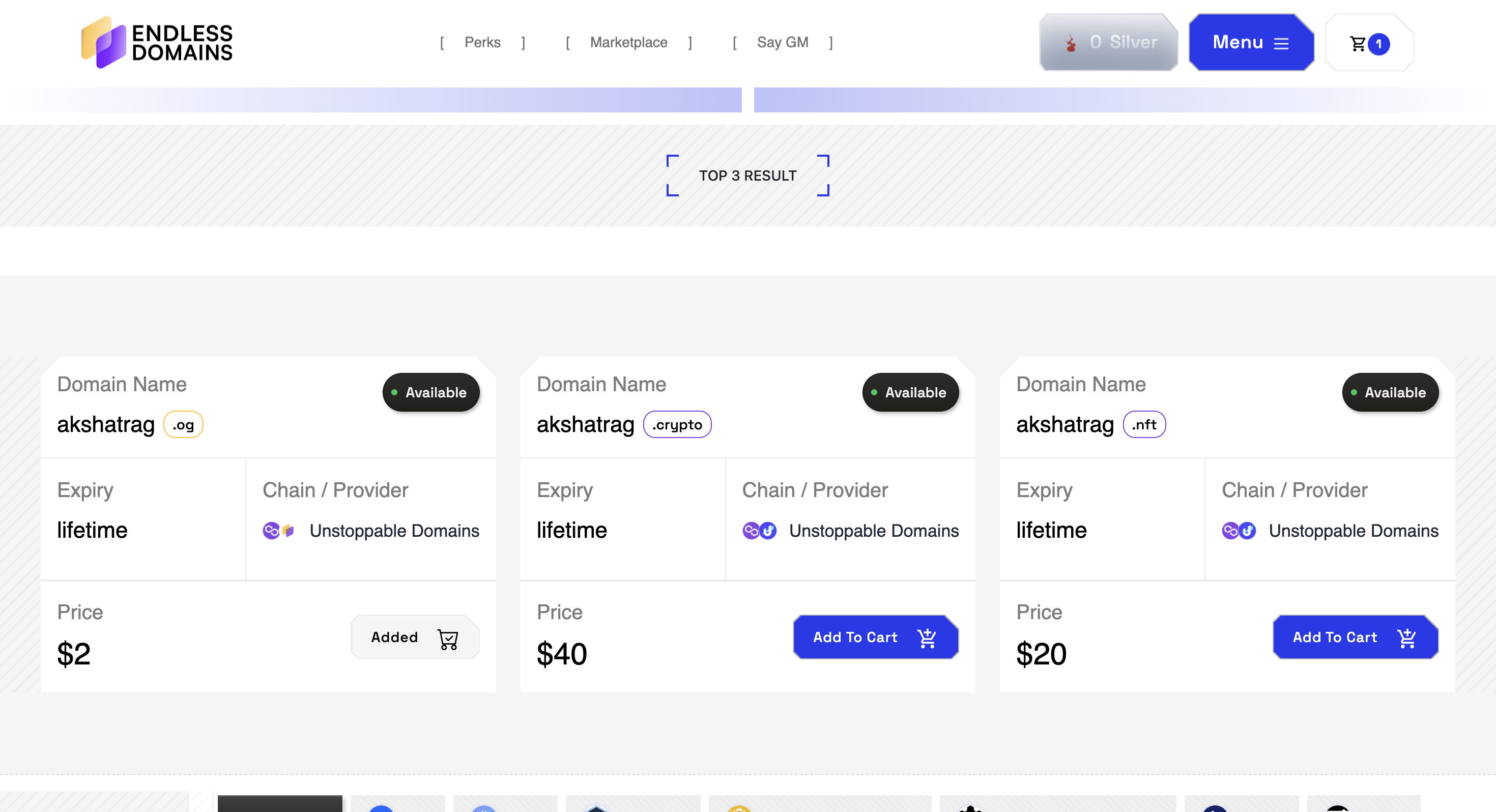
Buying a domain on Endless Domains is quick and simple. Just head to endlessdomains.io and use the search bar to find your preferred domain name. You’ll immediately see if it’s available. If it is, click Add to Cart and proceed to checkout.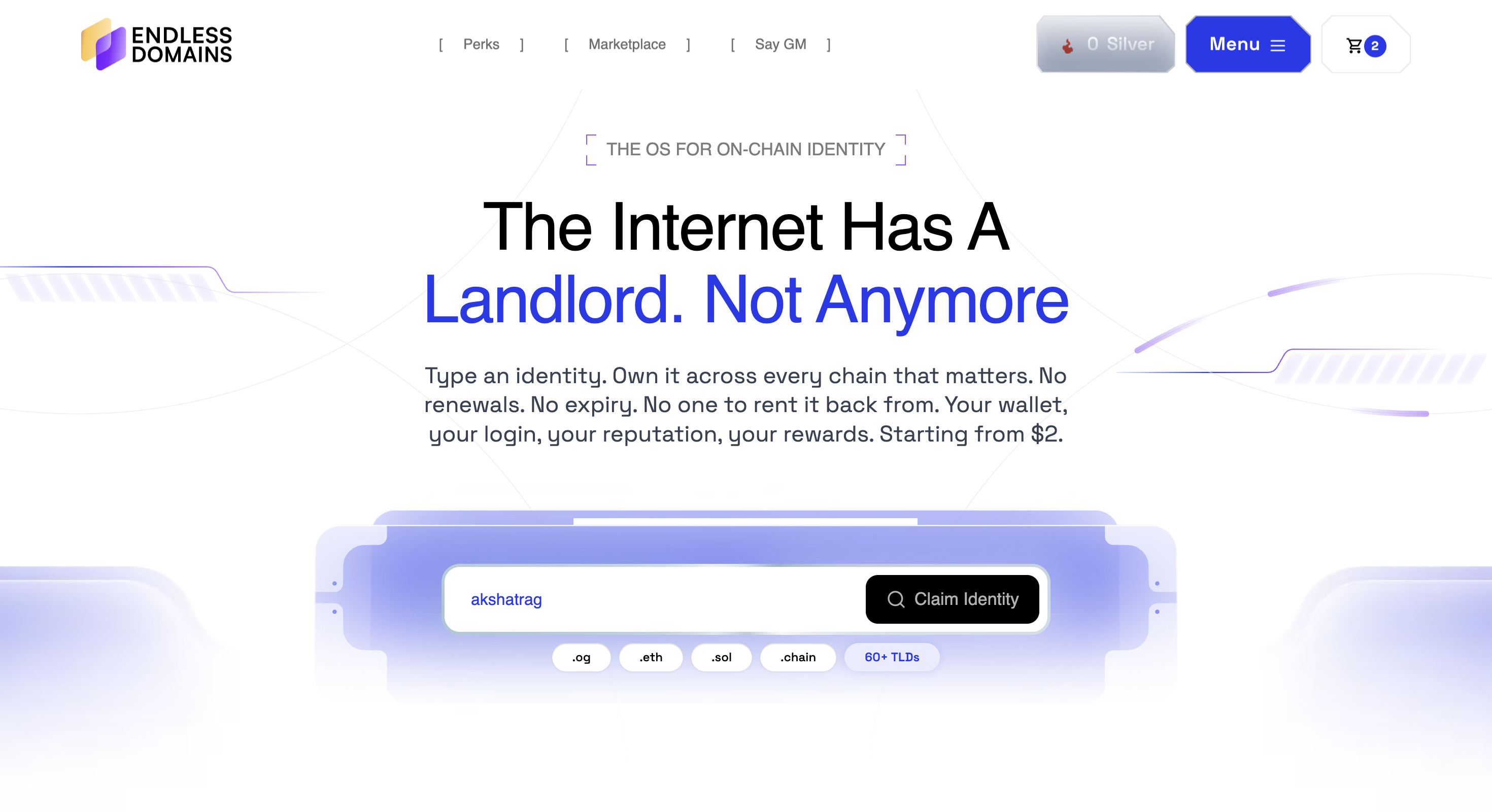
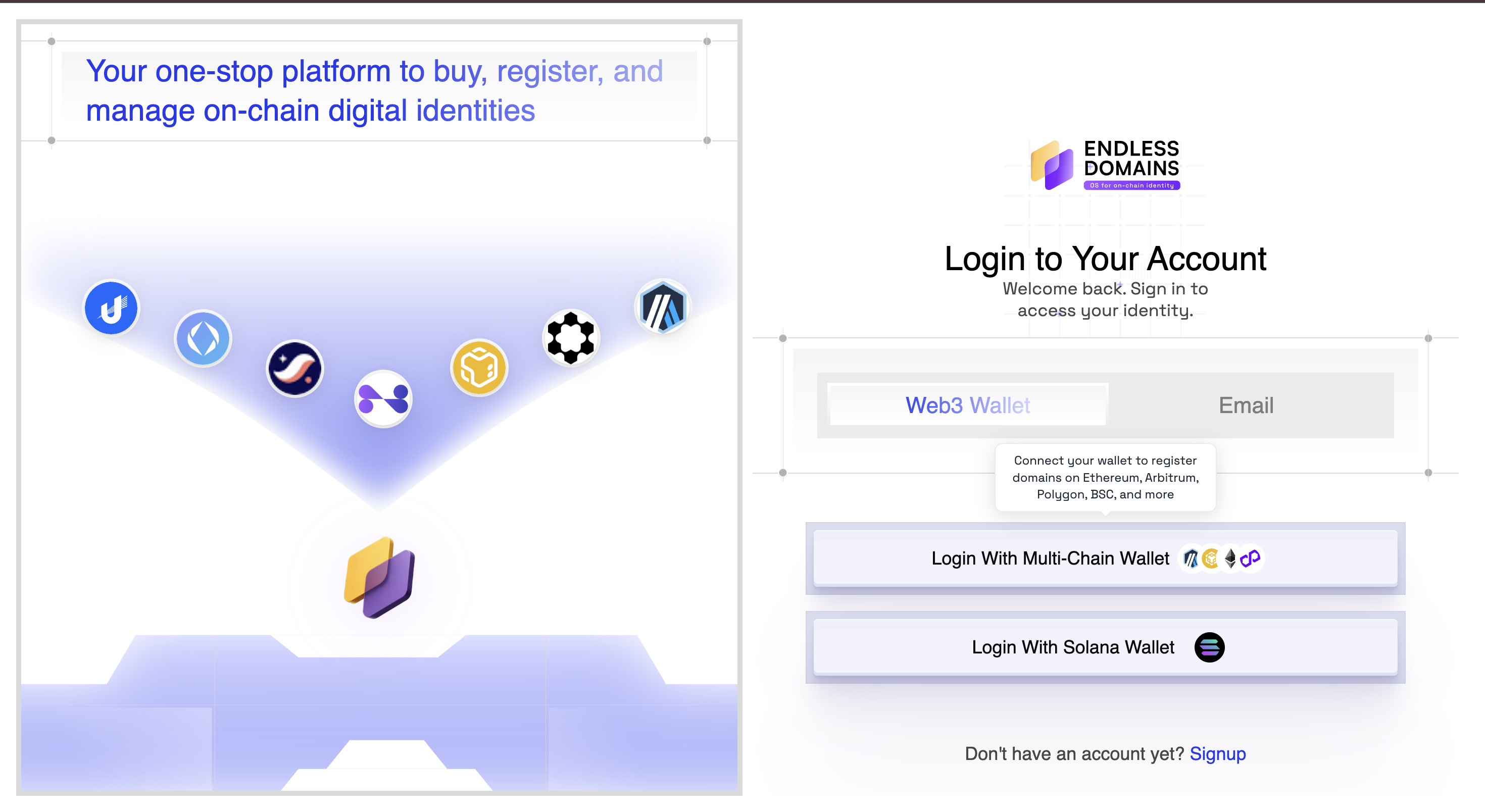
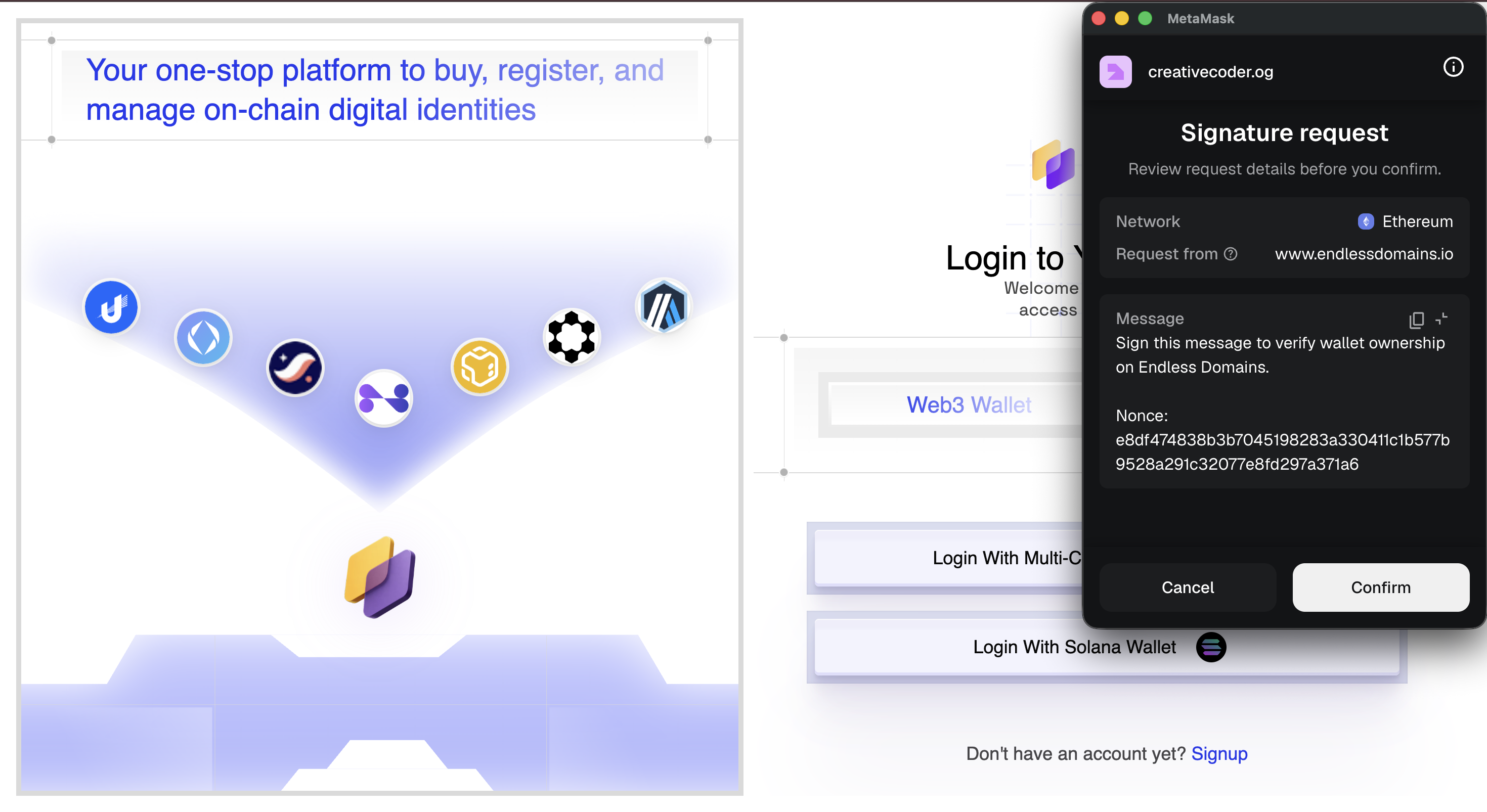
Next, you’ll be asked to log in with your wallet. Endless Domains supports 200+ wallet integrations, so you can connect the one you already use. If you haven’t logged in yet, simply follow the on-screen steps to connect.
 |  |
Once logged in, you’ll be taken to your cart where you can review your order before confirming. You’ll then be asked to enter your email for verification. This ensures you receive a record of your purchase.
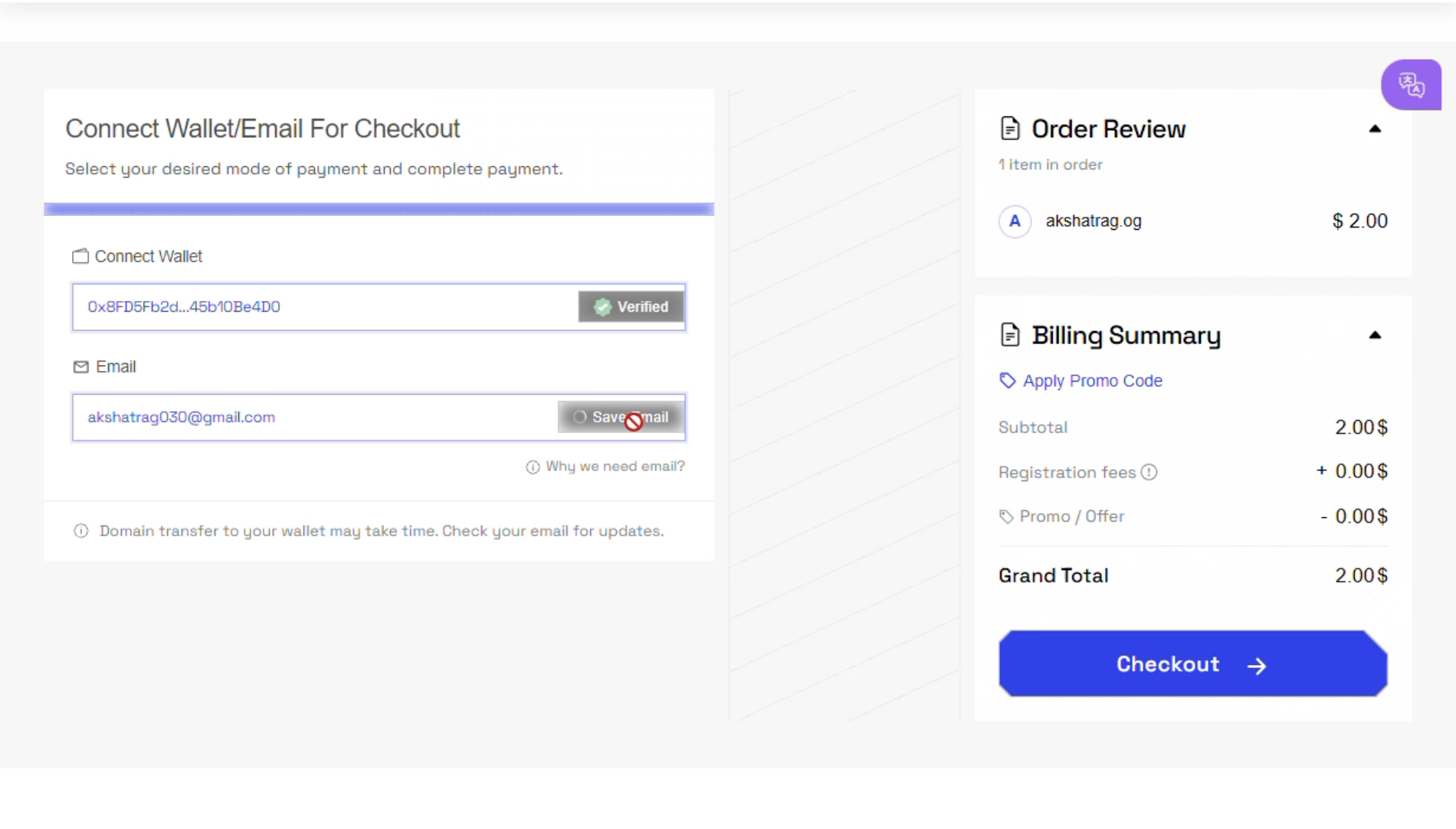 | 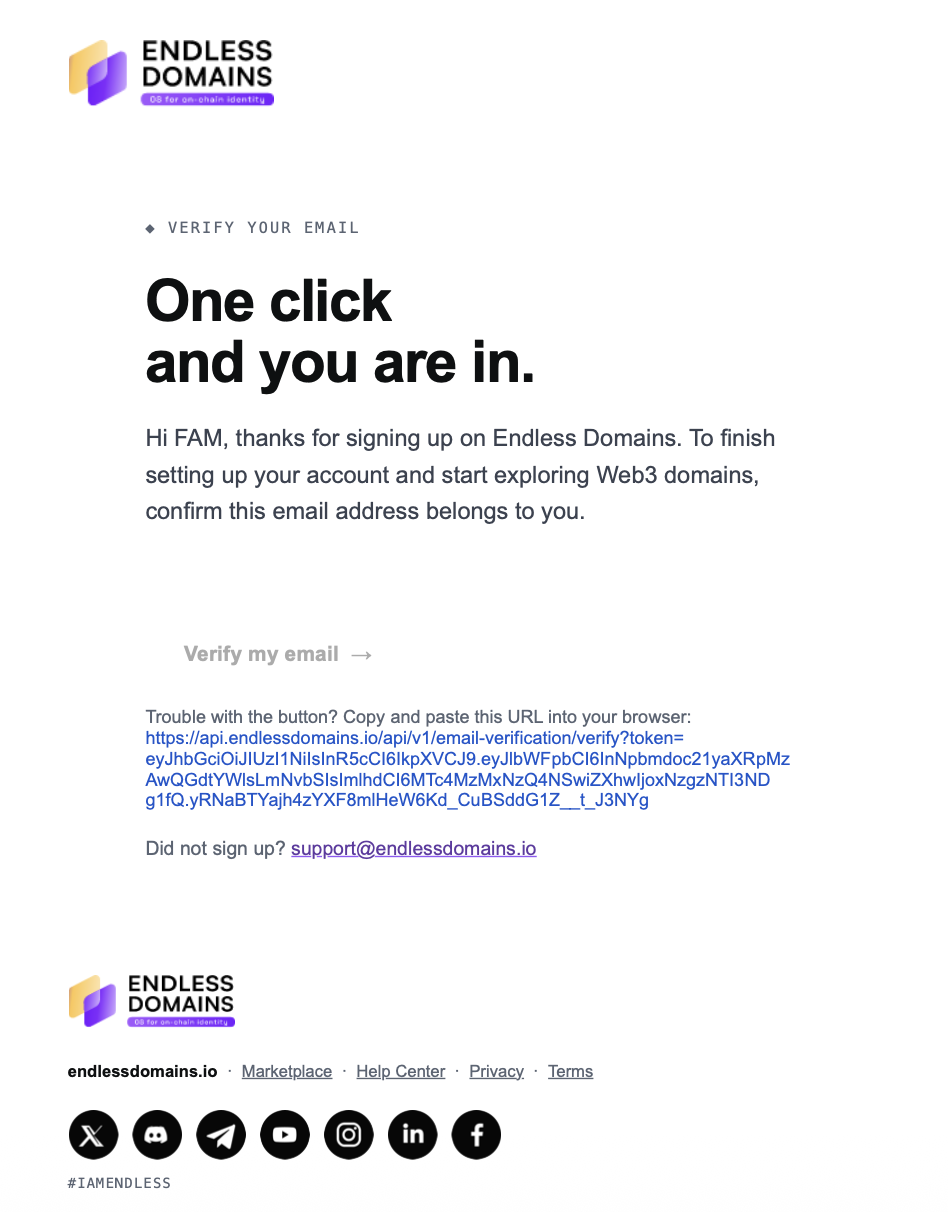 |
Finally, select your preferred payment method: debit card, credit card, or crypto, and complete the transaction. If you’re paying with crypto, choose a supported network (such as Polygon or Ethereum) and ensure you’re sending the payment to the correct wallet address. Always enter the exact amount displayed at checkout and include any required gas fees to avoid failed or delayed transactions. Once the payment is confirmed on the blockchain, it will automatically reflect on your account.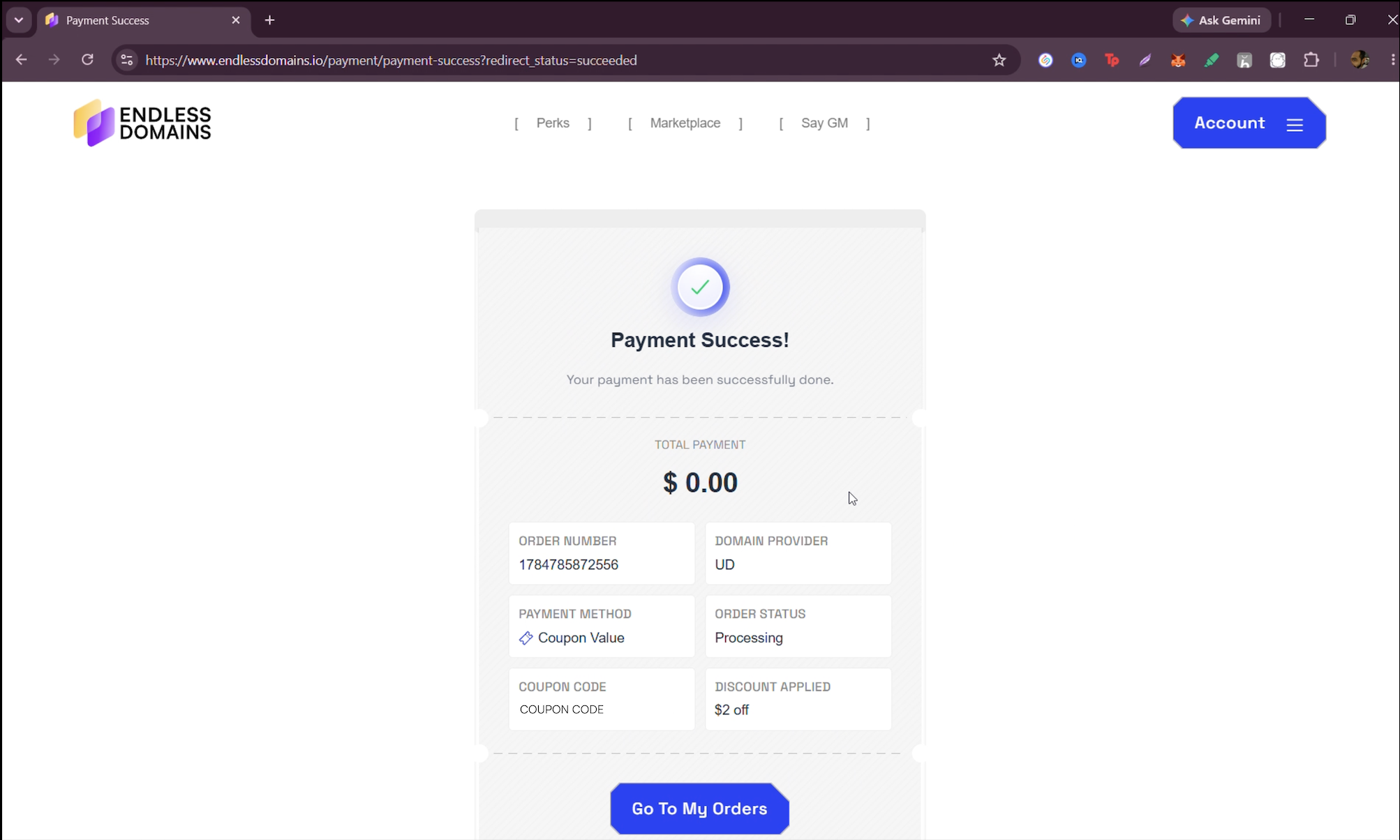
After your payment is successfully processed, your domain will appear in the “Manage” section within 15–20 minutes.
Owning your Web3 domain is that easy!
Was this article helpful?
That’s Great!
Thank you for your feedback
Sorry! We couldn't be helpful
Thank you for your feedback
Feedback sent
We appreciate your effort and will try to fix the article
Ask for Support
Our dedicated support team is here to help you with any questions or issues you may have. Whether you're experiencing technical difficulties or need guidance on using our services, we're just a click away.