You can use your domain in two main ways: park your domain or host a website.
Parked Domains -
Parked domains let you create your own Web3 profile that includes your contact information, social media links, and a short bio or description. Anyone can view your profile simply by visiting your domain name.
To set this up, go to Manage Domains, select the Parked Domain option, and click Update/Create Parked Domain. Add your details and click Publish. You can then link your parked domain to IPFS by selecting the Link to IPFS button, this requires a small gas fee (around $0.01). Once confirmed, your domain will be successfully parked on the decentralized web.
Using Pazly.dev
If you want to expand beyond a parked profile, you can use Pazly.dev, a dedicated tool that lets you customize and enhance your Web3 domain experience. With Pazly, you can create and showcase your digital identity, link multiple profiles, and manage how your domain appears across the decentralized web, all without traditional hosting steps.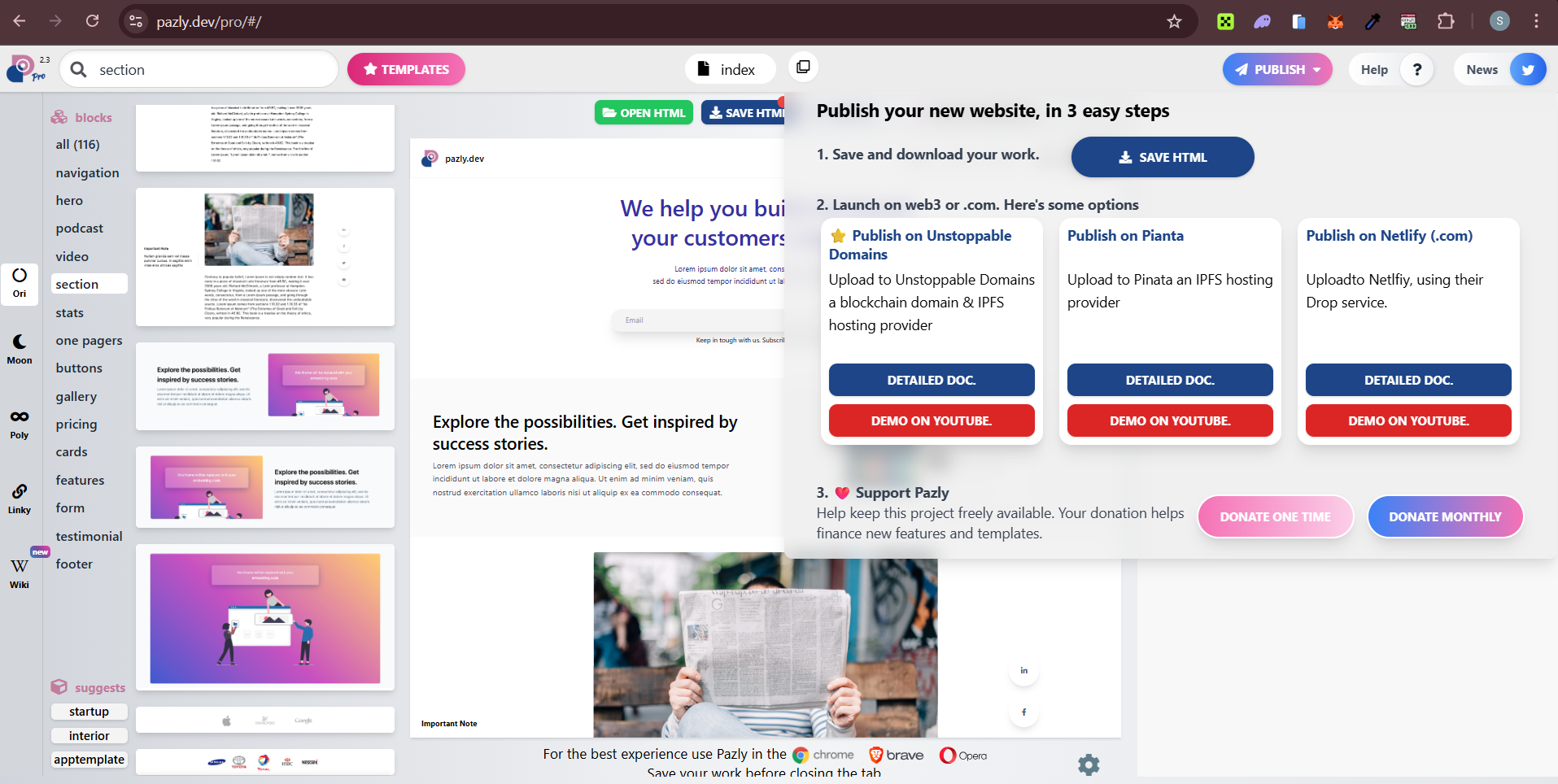
Keep in mind that Web3 domains don’t resolve natively on traditional browsers like Chrome or Safari. They work seamlessly on Web3-enabled browsers such as Brave and Opera, or through specific extensions that support decentralized domain resolution.
This way, your Web3 domain can function as a profile, digital identity, or a decentralized home, giving you complete control and ownership of your online presence.
Was this article helpful?
That’s Great!
Thank you for your feedback
Sorry! We couldn't be helpful
Thank you for your feedback
Feedback sent
We appreciate your effort and will try to fix the article
Ask for Support
Our dedicated support team is here to help you with any questions or issues you may have. Whether you're experiencing technical difficulties or need guidance on using our services, we're just a click away.