Buying a domain is just the first step! Minting it on the blockchain makes it truly yours forever.
Follow these steps to link your crypto wallet with your domain:
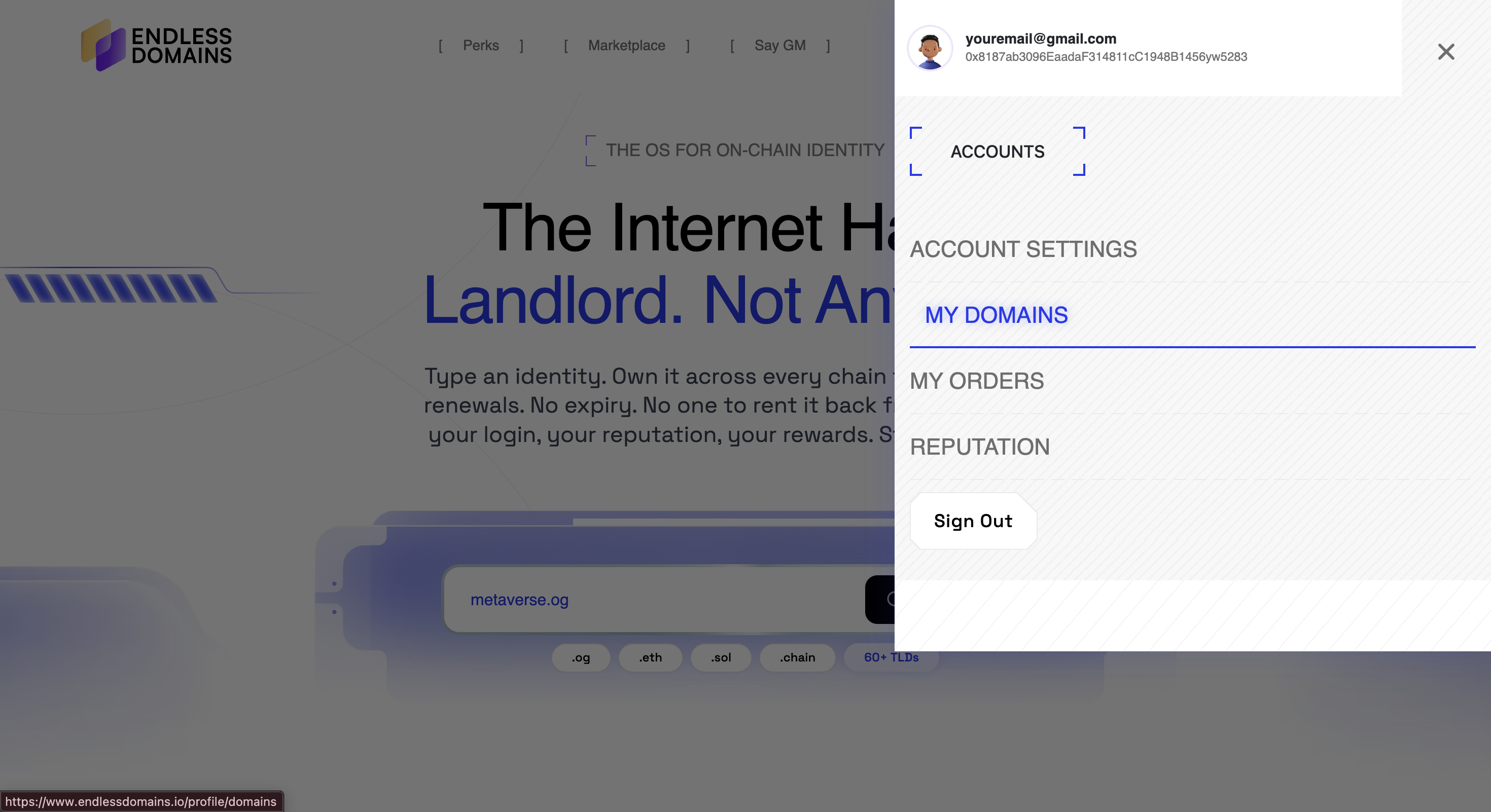
Go to the “My Domains” section in your account.
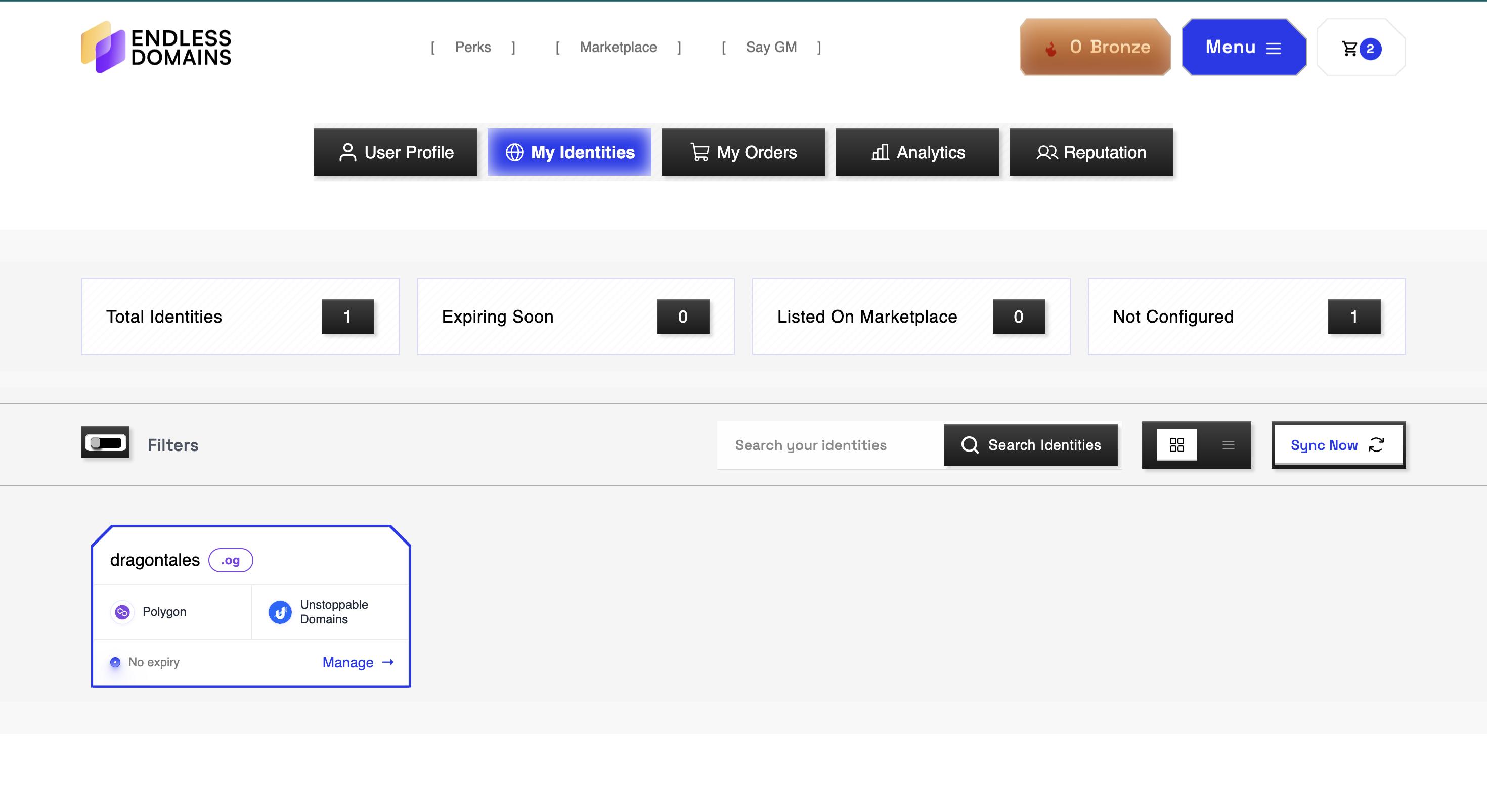
Find the domain you want to connect to and click “Manage.”
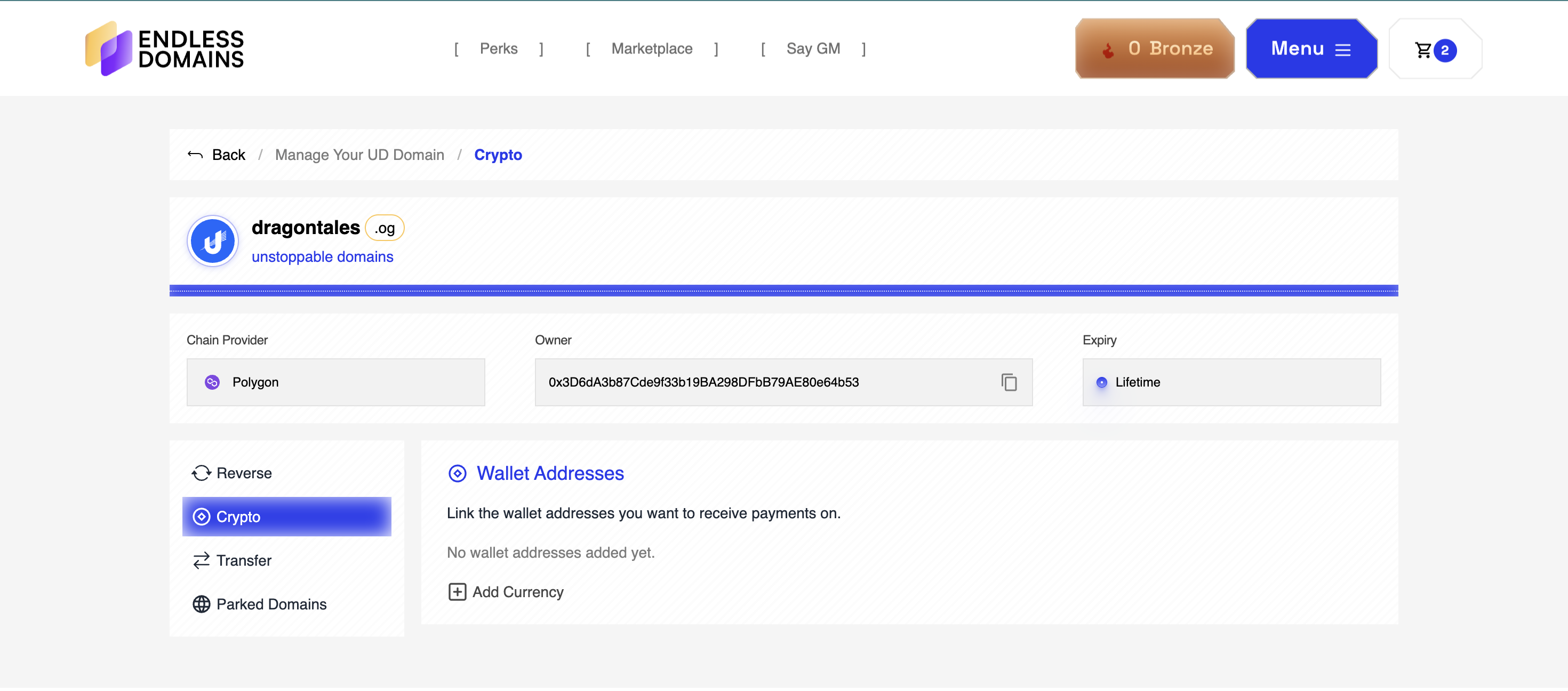
Click on the “Crypto” tab.
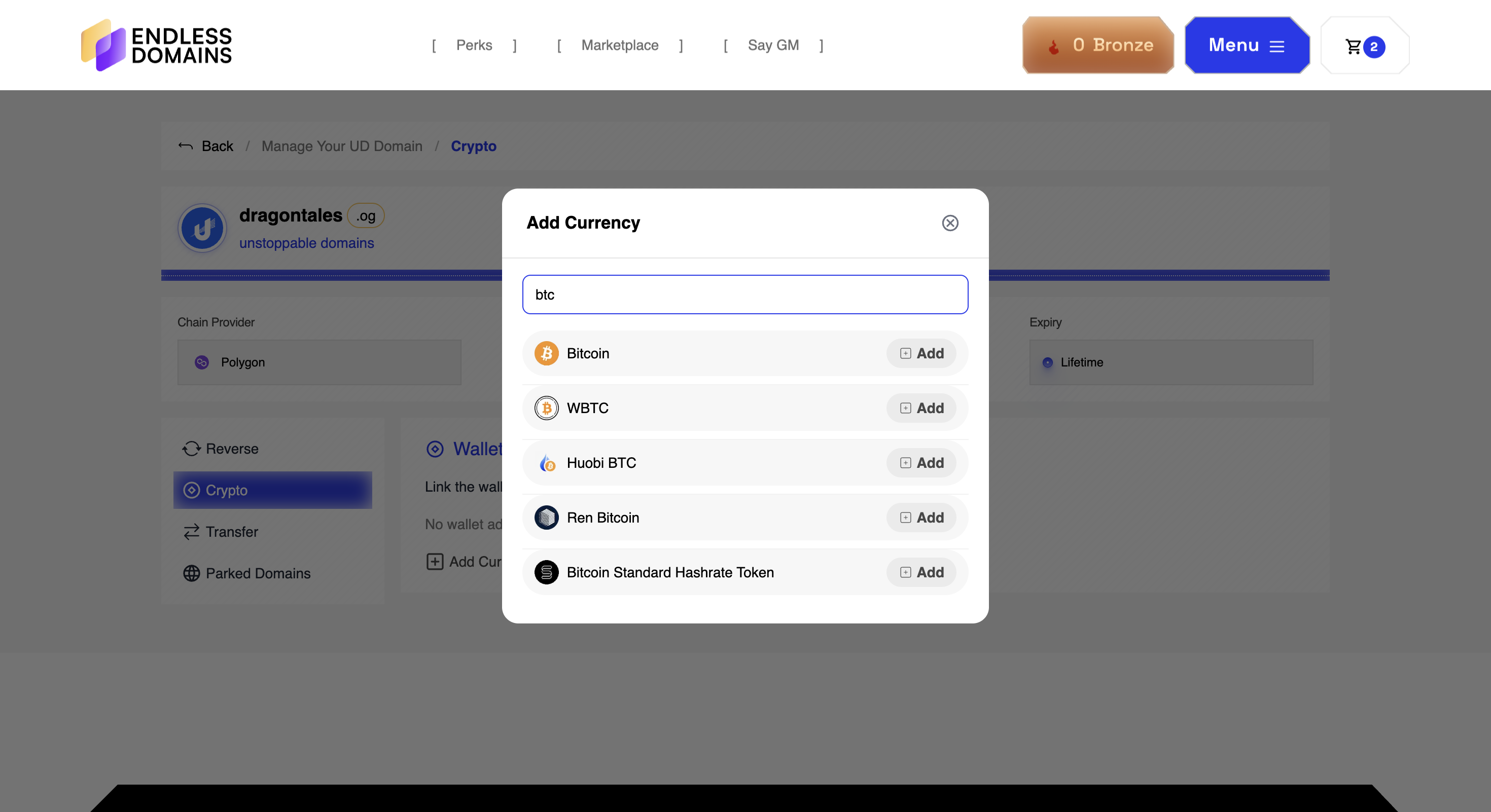
To receive a specific cryptocurrency (for example, BTC), add it as a currency and enter your wallet address.
Click “Save” and confirm the transaction.
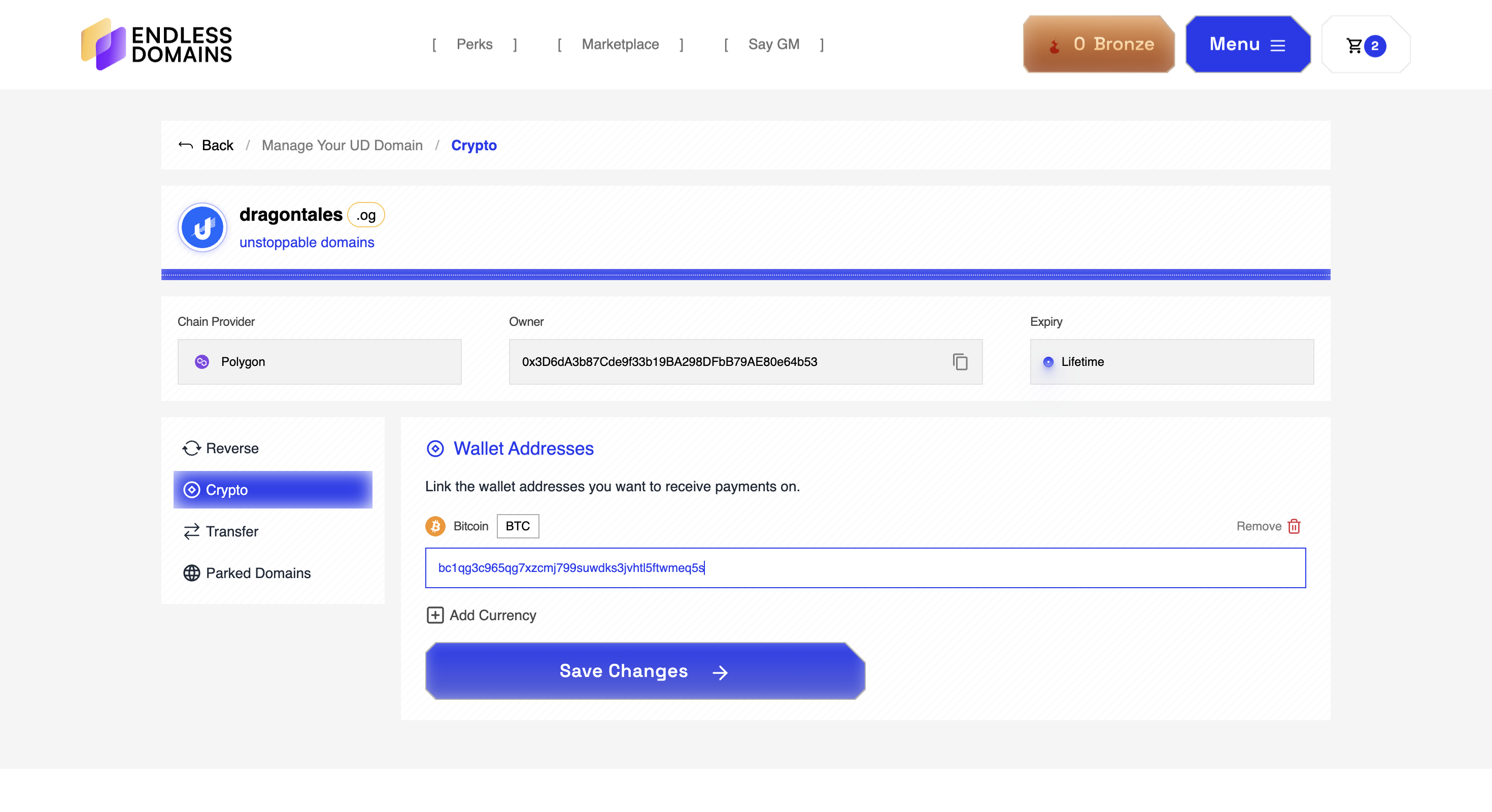
After the transaction is confirmed, your wallet address has been updated successfully.
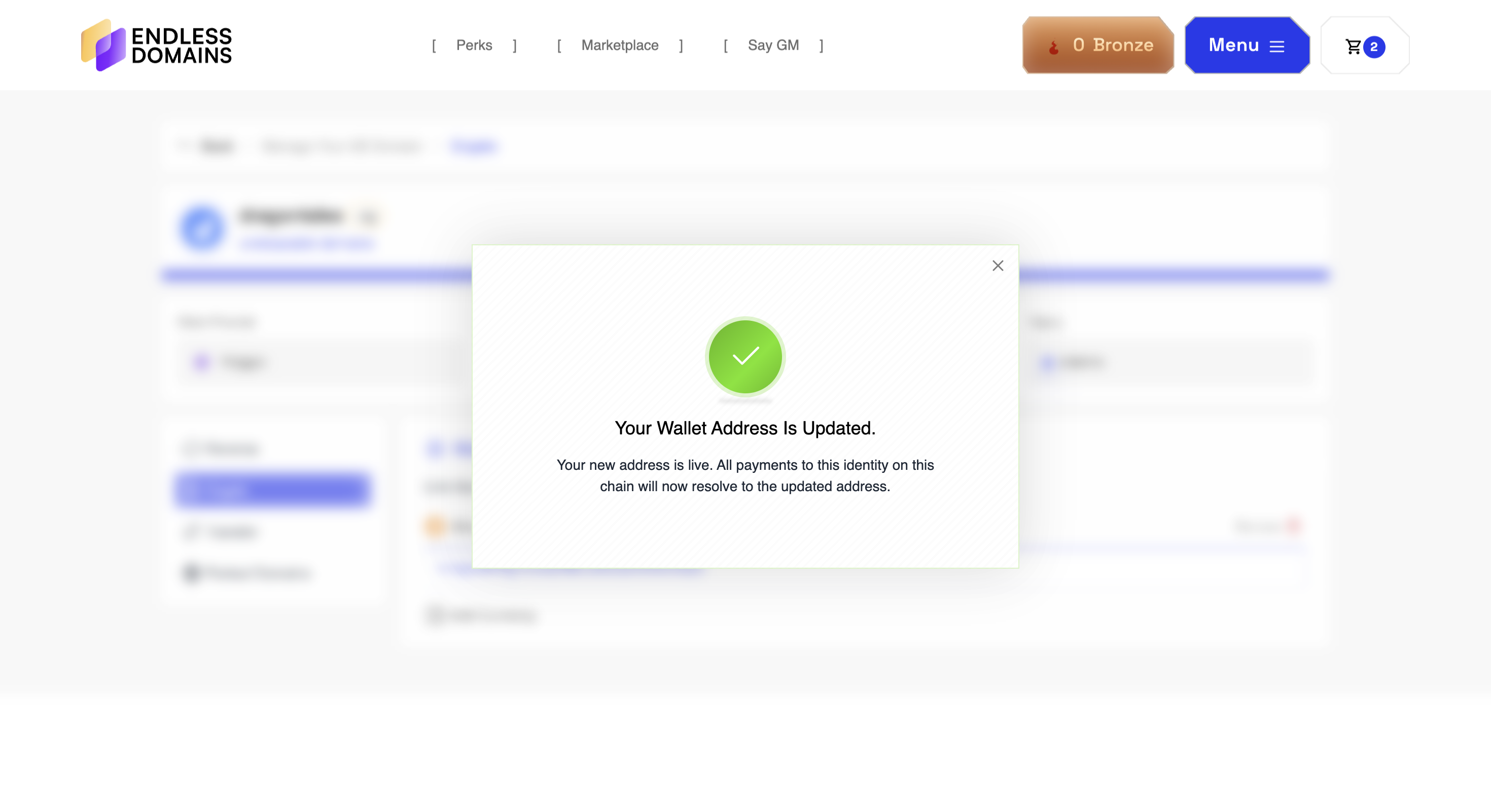
That’s it! Your domain is now connected to your wallet and ready to receive crypto payments. Your domain becomes fully owned by your wallet address. It is visible on-chain and verifiable by anyone.
Was this article helpful?
That’s Great!
Thank you for your feedback
Sorry! We couldn't be helpful
Thank you for your feedback
Feedback sent
We appreciate your effort and will try to fix the article
Ask for Support
Our dedicated support team is here to help you with any questions or issues you may have. Whether you're experiencing technical difficulties or need guidance on using our services, we're just a click away.