Minting your domain connects it permanently to your wallet, giving you full ownership on the blockchain. The process is quick and straightforward.
Go to the “My Domains” section of your Endless Domains account and click Manage Domain next to the domain you want to mint. 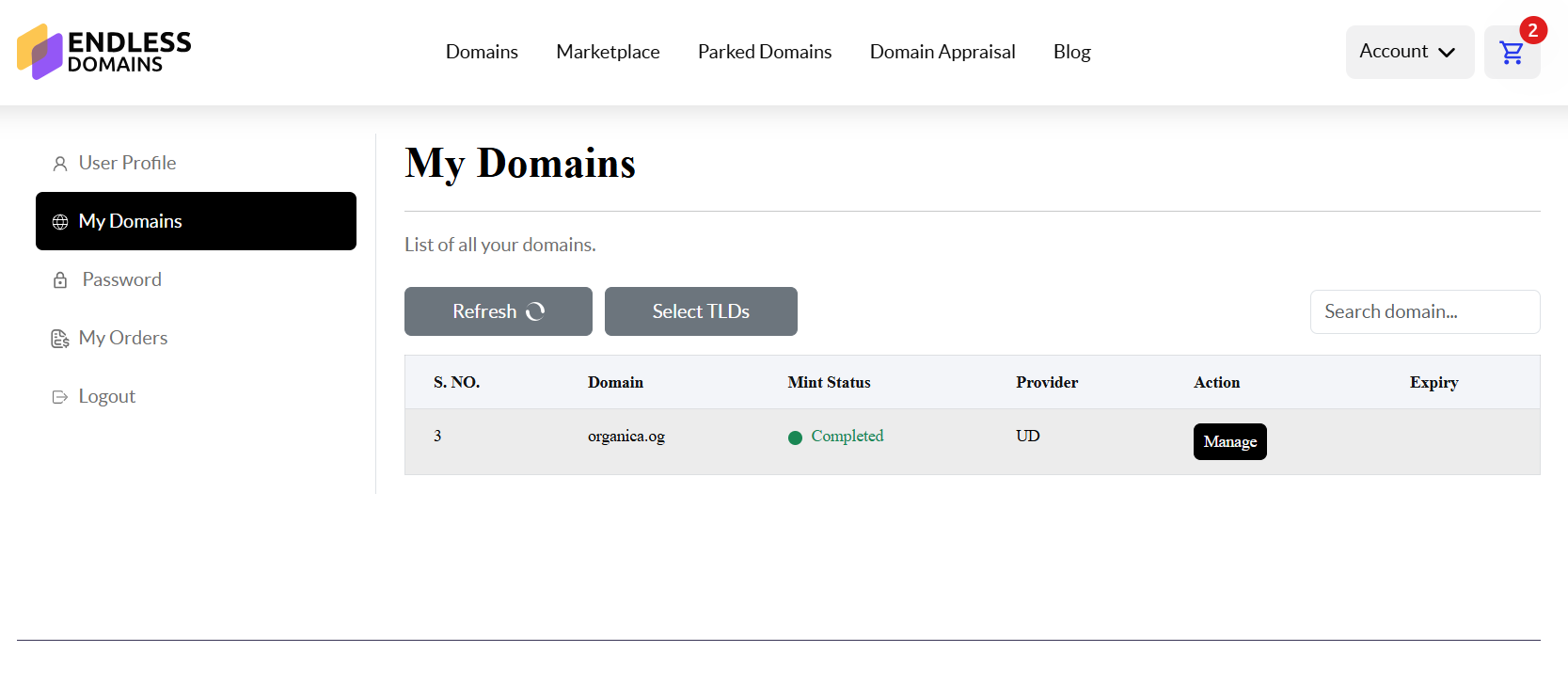
On the left-hand dashboard, select the Crypto tab. Here, you’ll see an option to choose the currency you’d like to link your domain with.
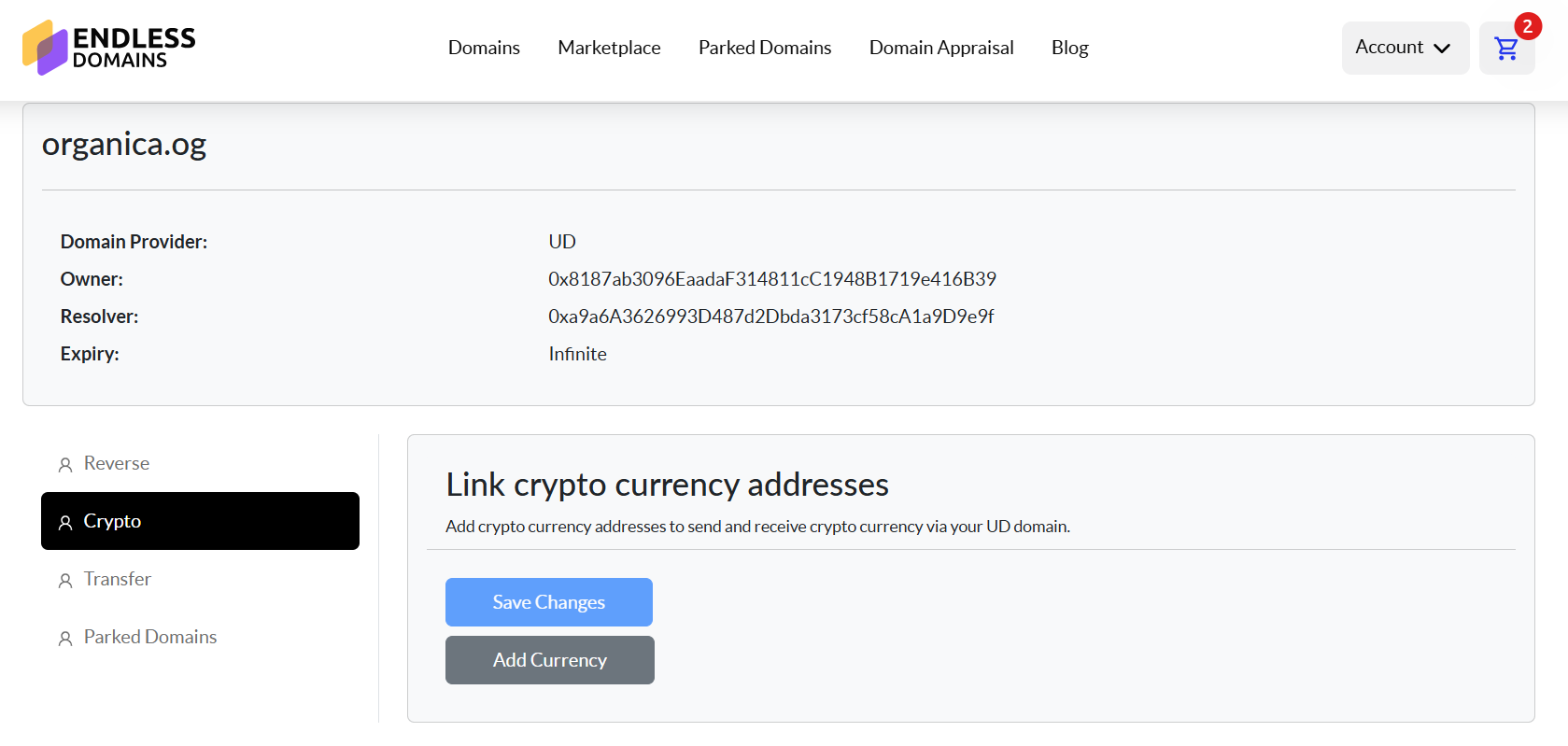
Select your preferred currency and enter your wallet address for that network. You can find this address inside the crypto wallet you use (for example, MetaMask, Trust Wallet, or any of the 200+ wallets we support).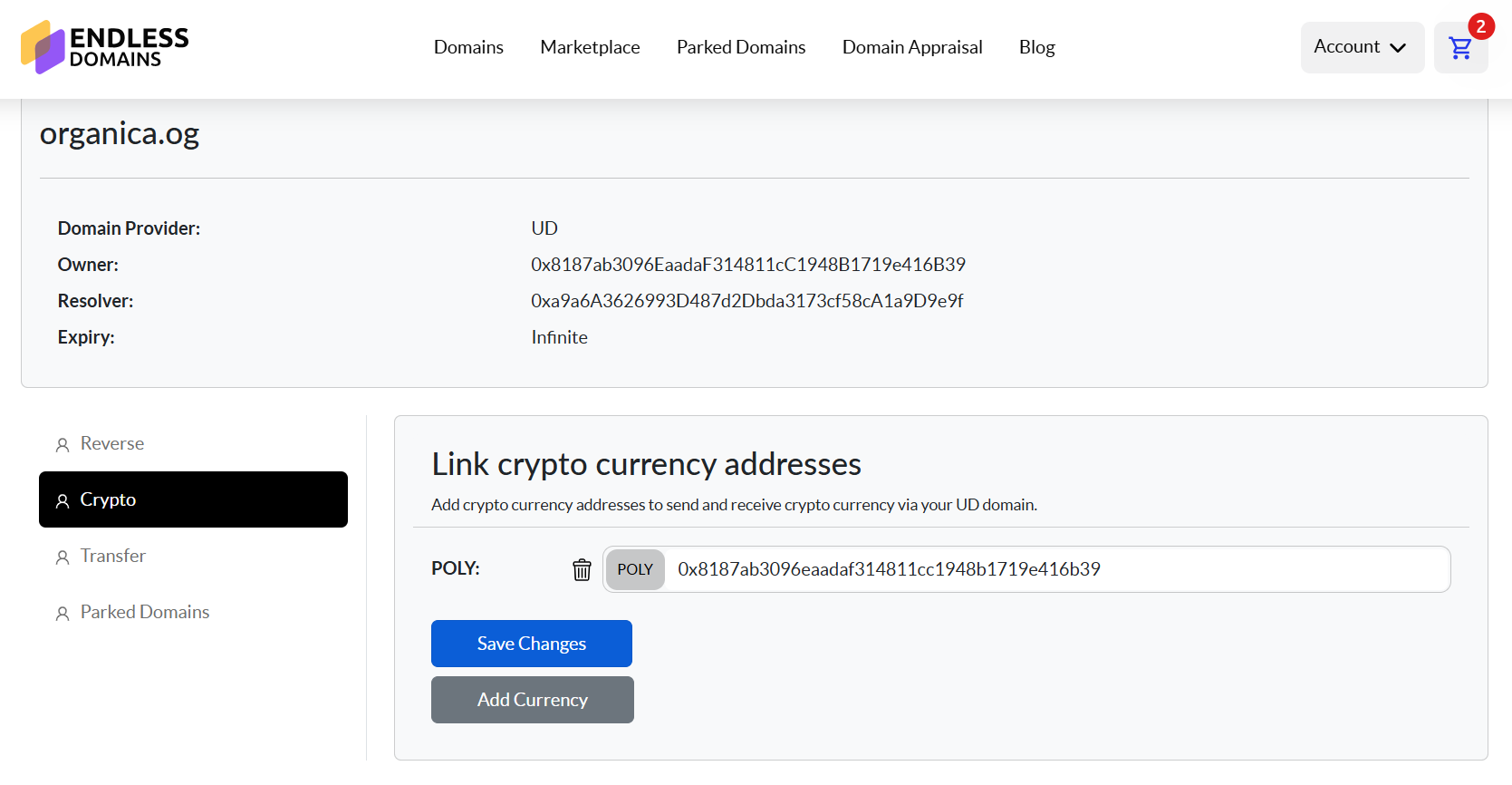
After entering the wallet address, confirm the transaction in your wallet when prompted. Once approved, your domain will be successfully minted to your wallet, giving you complete control and verifiable ownership on the blockchain.
Was this article helpful?
That’s Great!
Thank you for your feedback
Sorry! We couldn't be helpful
Thank you for your feedback
Feedback sent
We appreciate your effort and will try to fix the article
Ask for Support
Our dedicated support team is here to help you with any questions or issues you may have. Whether you're experiencing technical difficulties or need guidance on using our services, we're just a click away.