Connecting your wallet to Endless Domains is easy and gives you full control over your domains and transactions.
There are two ways to link your wallet.
The first option is to sign up directly using your wallet. If you choose this method, your wallet will automatically appear in your profile once registration is complete.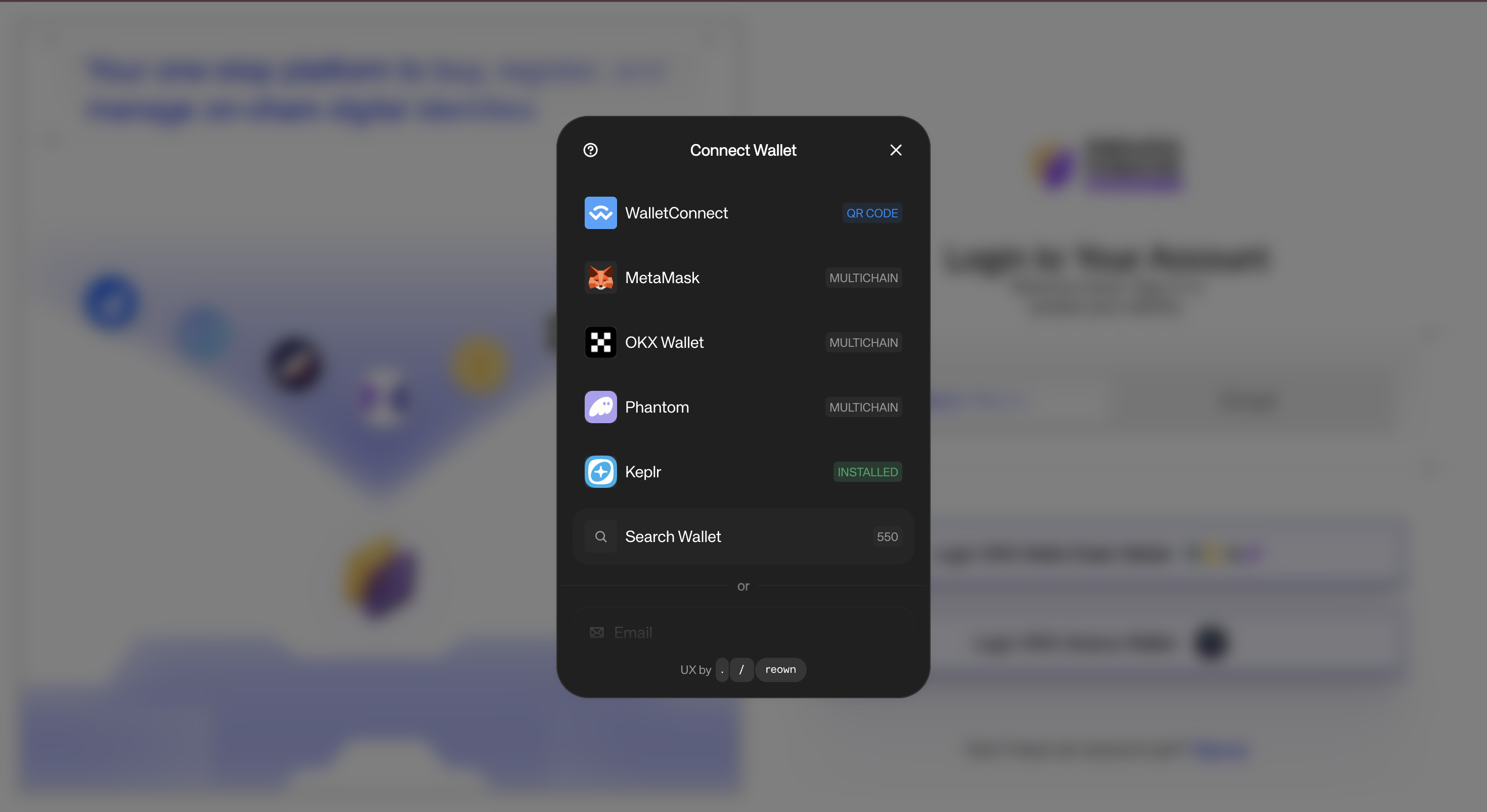
If you sign up or log in with email, you can still link your wallet later.
Go to your Profile section, where you can add one or more wallets, this can be an EVM wallet, a Solana wallet, or both. Once linked, you can manage your domains, view your transactions, and handle any orders directly from your account.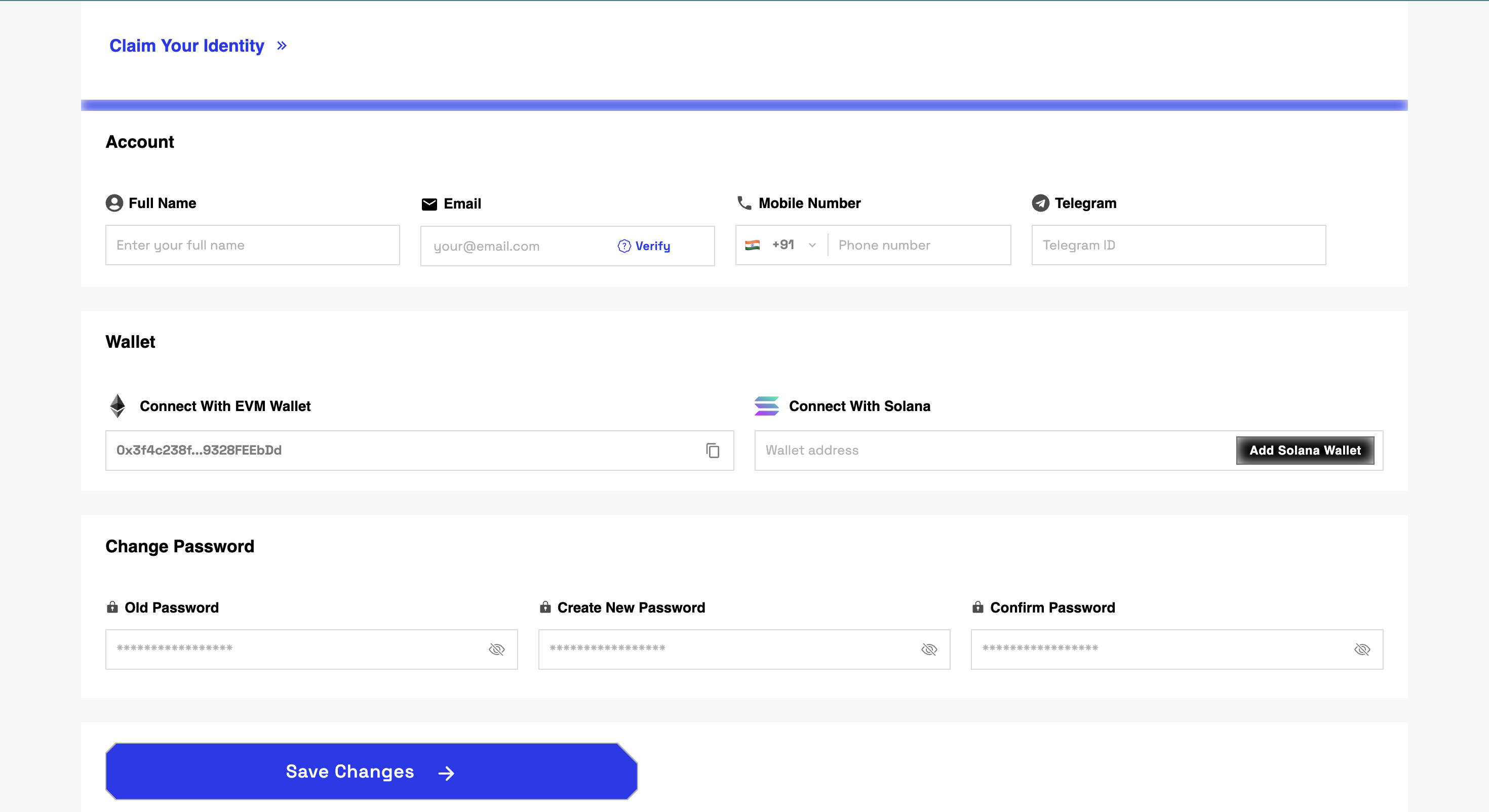
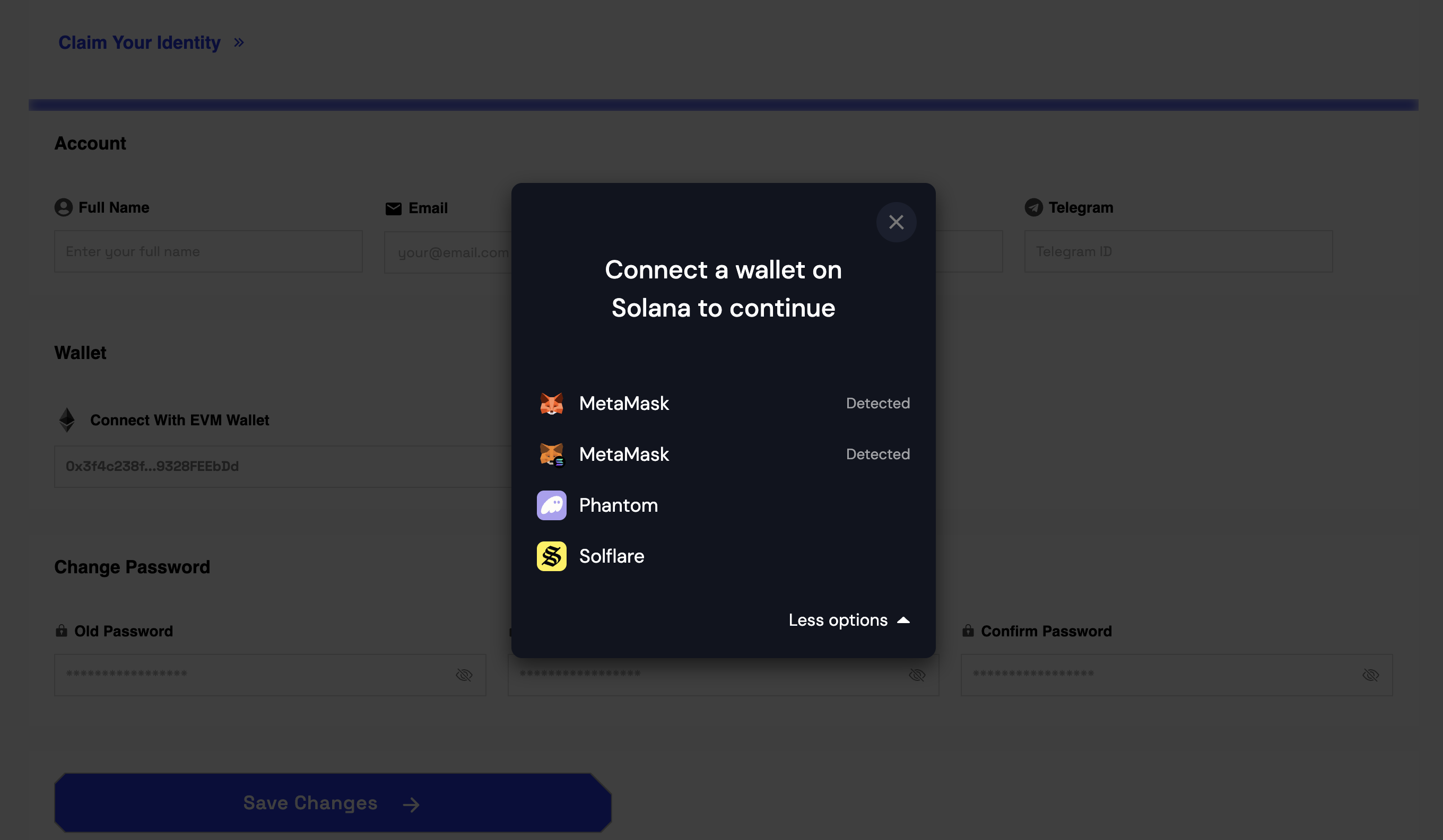
After clicking add Solana Wallet, You need to select wallet.

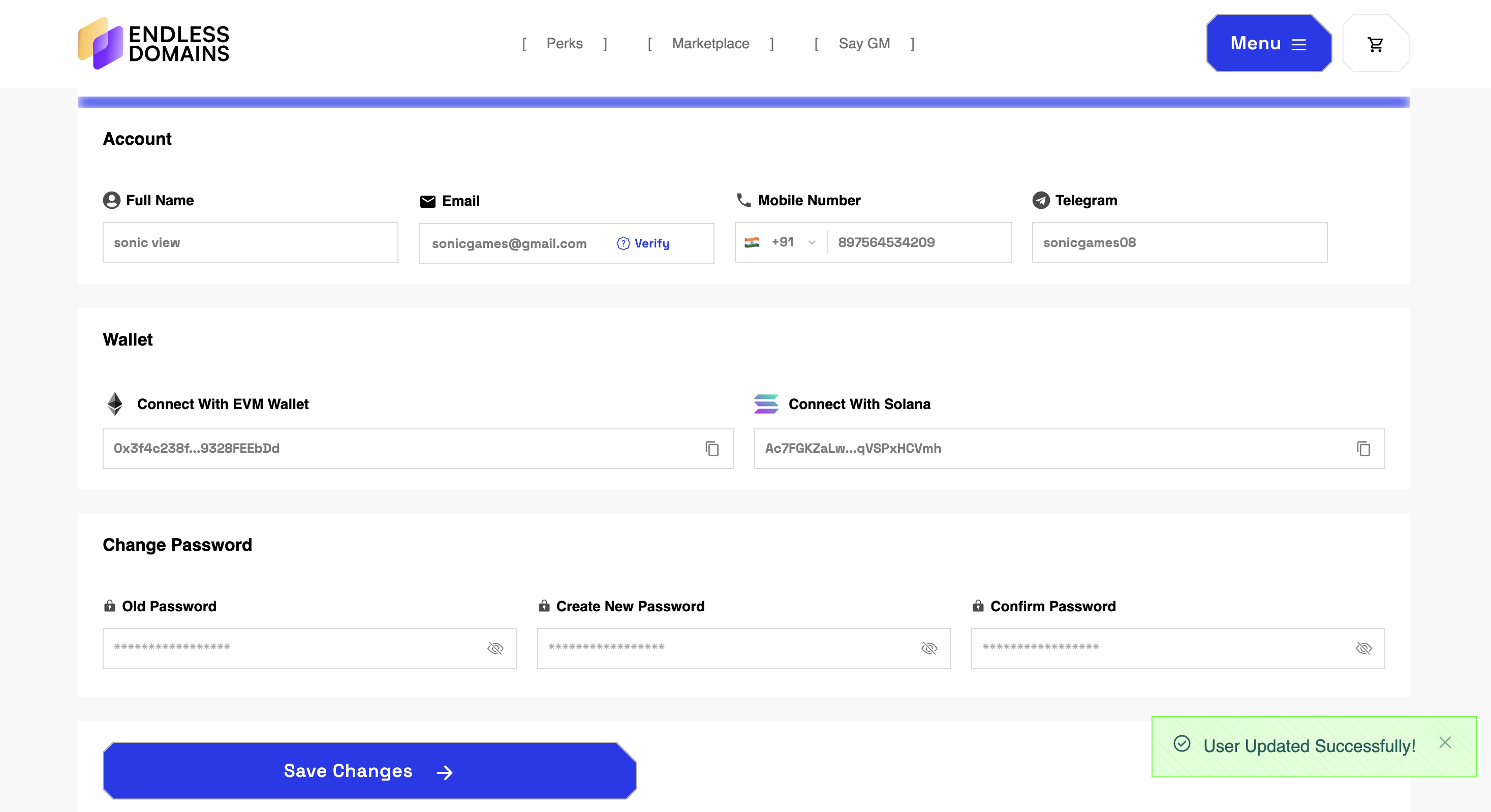
Linking your wallet ensures seamless access to your Web3 domains and gives you complete control over your digital assets.
Was this article helpful?
That’s Great!
Thank you for your feedback
Sorry! We couldn't be helpful
Thank you for your feedback
Feedback sent
We appreciate your effort and will try to fix the article
Ask for Support
Our dedicated support team is here to help you with any questions or issues you may have. Whether you're experiencing technical difficulties or need guidance on using our services, we're just a click away.