You can update your account details anytime through the User Profile section of your Endless Domains account. This includes information such as your display name, contact details, or other profile settings.
However, if you want to change your email address, there’s an important requirement: the current email must have been verified previously. This verification step ensures that the request is coming from the legitimate account owner and helps prevent unauthorized changes.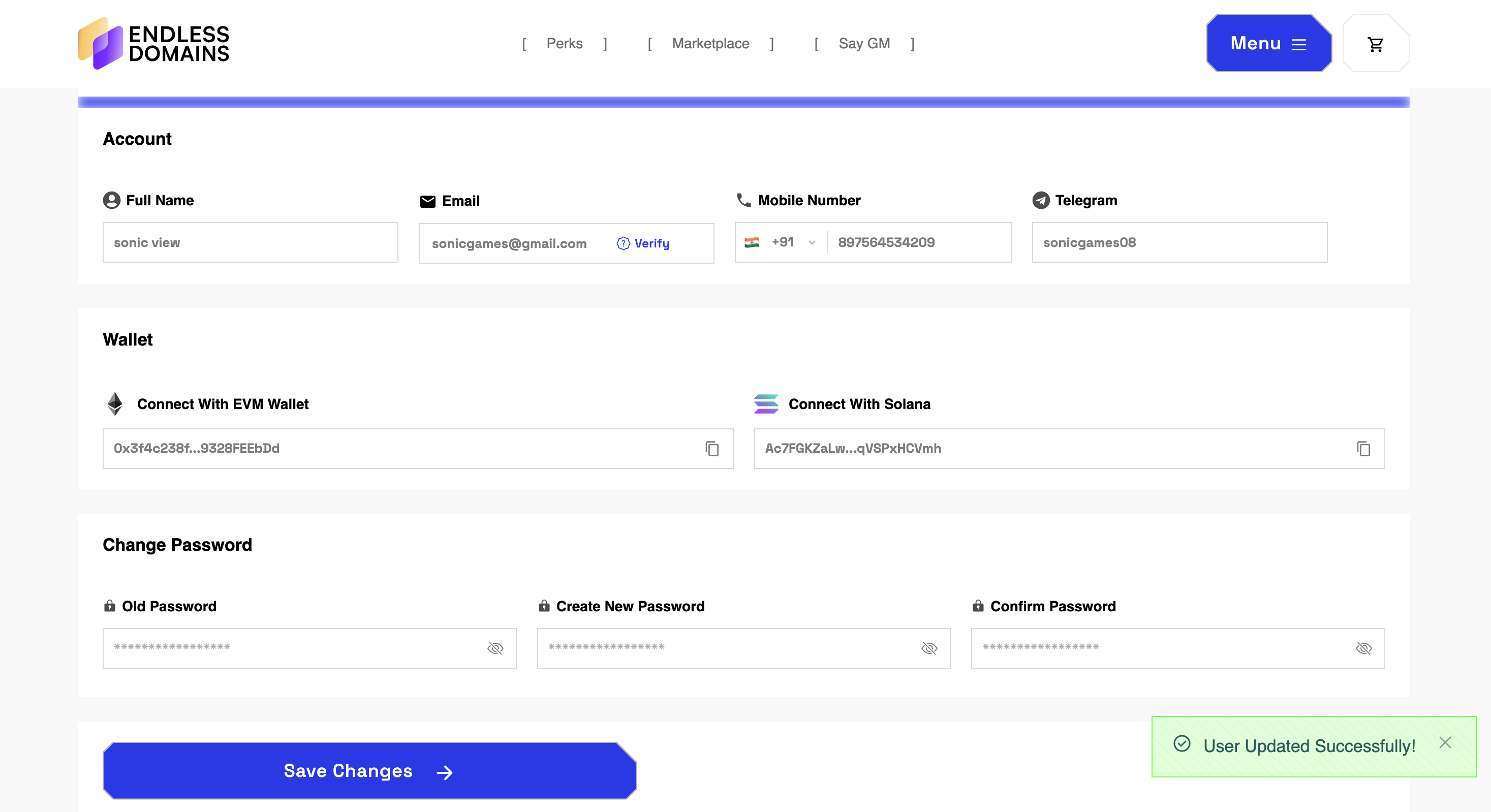
Once the email is successfully verified, you can update it to a new address, which will then receive a verification email to confirm the change. Keeping your email up-to-date is crucial, as it is used for important notifications, account recovery, and security alerts.
By following this process, you can safely manage your account information while maintaining the security of your Web3 assets and domains.
Was this article helpful?
That’s Great!
Thank you for your feedback
Sorry! We couldn't be helpful
Thank you for your feedback
Feedback sent
We appreciate your effort and will try to fix the article
Ask for Support
Our dedicated support team is here to help you with any questions or issues you may have. Whether you're experiencing technical difficulties or need guidance on using our services, we're just a click away.